
CUSTOM CABLES. MADE SIMPLE.
Build a custom XLR cable package. Choose your footage, lengths, quantities, connector finishes, colors, and printed labels. Preview your cables and see pricing as you build.
Build a custom XLR cable package. Choose your footage, lengths, quantities, connector finishes, colors, and printed labels. Preview your cables and see pricing as you build.

Step 1 — Identify the likely network mode Check the rear ID switch bank Calrec fixed-format I/O boxes can operate on either an AoIP network or a traditional Hydra2 network, and they look almost...

HID Switch Calculator Enter a decimal HID from 0 to 255. The calculator shows the corresponding switch setting from bit 7 through bit 0. Decimal HID value Download SVG Decimal: 39 Binary: 00100111 Active...
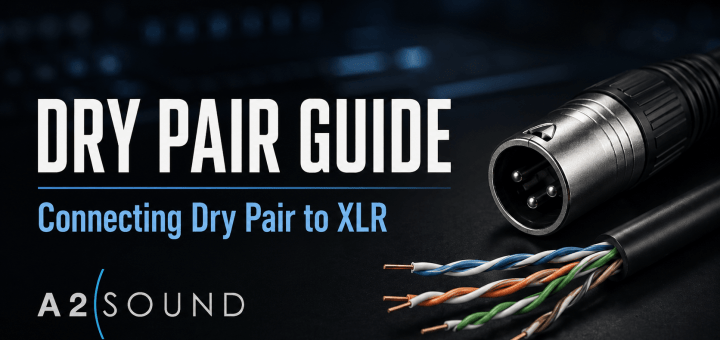
Dry pair is old infrastructure, but sometimes it is the only path left between the truck and the field. Here is how I use a known, inactive pair for balanced audio, phantom-powered microphones, RTS...

The 50 foot Married-Pair Cable is a two-pair XLR cable for use with stick mics and IFB beltpacks. The Talent-End of the Married-Pair cable is staggered in length. The Microphone cable is 36 inches...

A labeled beltpack is easier to hand out, troubleshoot, and recover at strike. These free printable sheets provide ready-to-use labels for common show roles, plus an editable version for everything else. The PDFs are...

Fiber optic cable doesn’t always have numeric labels identifying each individual fiber. When the fibers are identified by color, the standard 12-color sequence can be used to determine the fiber number. If you’re familiar...

A standard 25-pair telephone cable uses two groups of five colors to identify each pair. The five major colors are White, Red, Black, Yellow, Violet. The five minor colors are Blue, Orange, Green, Brown,...
The A2 Reference has a Telephone wire color code chart, Belden Color Code chart, Pin-outs for common intercom headsets, BP-325 Programming settings, DT-12 Pinouts and RJ-45 Pin-outs for straight and crossover cables.

Display Panel Address FUNC – DISPLAY – 1 ( 0 – 8 – 1 ) This sequence displays the calculated port number. The calculation is based on the data group that the key-panel is...

When a DT-12 fan-out is made with Belden 1513C 12-pair cable, each pair can be identified by the color of its inner jacket. The pairs are numbered 1 through 12 and follow the color...

